
Kahramaa Account: How to Set One Up and Pay Your Bill
How electricity and water get connected when you move into a home in Qatar, how to check a connection application's status, and every official way to pay your Kahramaa bill.
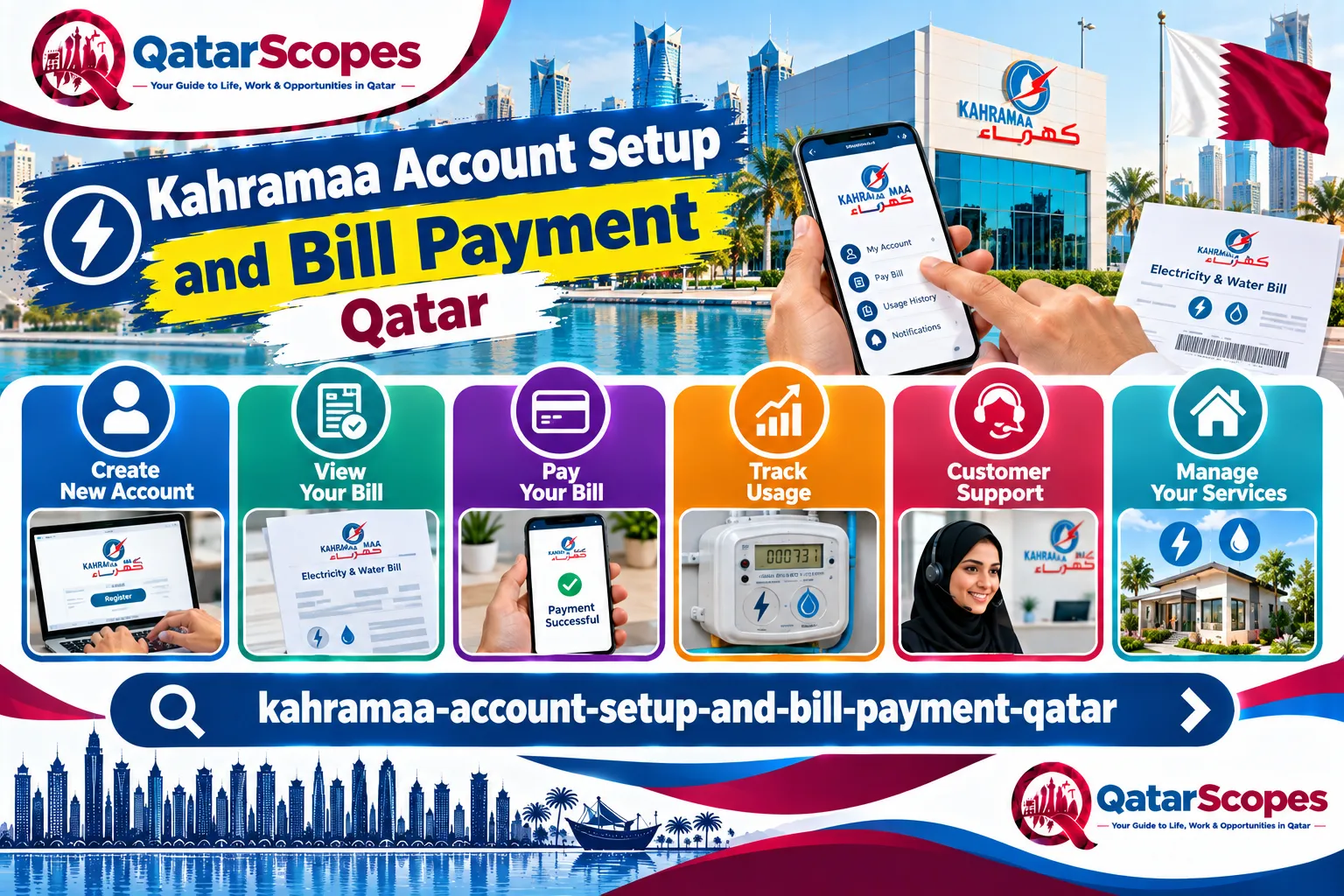
Kahramaa is Qatar's electricity and water authority, and every household needs an account with it, whether you are renting or buying. This guide separates what we could confirm on Kahramaa's own official pages from what is widely reported elsewhere. We read Hukoomi's Kahramaa service pages directly in September 2026.
How a new connection generally happens
General reporting describes registration as commonly happening automatically once your rental agreement is registered, under a system Kahramaa calls Smart Registration. Where that does not apply, or for older buildings, reporting describes an application form, typically signed by your sponsor, submitted at a Kahramaa Center. We could not verify the exact current fee structure or deposit amount against Kahramaa's own page this session, so treat any specific figure you see elsewhere as unconfirmed and check directly with Kahramaa.
Checking an application's status
Kahramaa's own page for this, reached through Hukoomi, describes the following:
1. Access the service through Kahramaa's own website.
2. Log in to your account on the Kahramaa customer site, or create one if you have not registered before.
3. Enter your QID number and your building number.
4. View the latest status of your application.
The page states the status will show as completed, in progress with an expected completion date, or flagged for a visit to the Customer Service Department if there is an issue blocking completion. This service itself is free, and Kahramaa lists its customer support on 991 from inside Qatar, or +974 4449 4000 from outside.
Registering as the new owner of a property
This is a separate, specific Kahramaa service for property owners, not tenants, and it requires an ownership certificate rather than a lease. Kahramaa's own page describes the steps as logging in, selecting Register New Owner, entering your electricity and water numbers, your contact details, and attaching a copy of your QID and the ownership certificate. This service is also free. If you are buying a property, see our guide to buying property in Qatar and its freehold areas for the wider purchase process, and update your Kahramaa account only after your ownership is formally registered with the Ministry of Justice.
What to check before you move in
- Ask your landlord or the previous tenant whether the electricity and water connection is already active, or whether you need to apply.
- Get the building's electricity and water numbers from your lease or from the meter itself, since Kahramaa's own services ask for these directly.
- If your registration seems to be taking longer than expected, use the Check Status service above before calling, since it gives you a specific reason if something is blocking the application.
How to pay your bill
Kahramaa's own mobile app, available for iOS and Android, lets you view and pay your electricity and water bill, along with other account services. Beyond the app and Kahramaa's own website, commonly reported payment channels include the Ooredoo app, self-service kiosks run by Ooredoo and QNB in malls across Doha, most local banks, and any QNB ATM using cash or a debit or credit card issued by any bank in Qatar. You do not need to be registered on Kahramaa's site to pay a bill, though registering gives you access to payment history and consumption comparisons.
Understanding your bill
This is general, practical guidance. Your Kahramaa bill combines electricity and water consumption, billed based on your meter reading, and typically also includes any outstanding balance from a previous period. If a bill looks unexpectedly high, check whether anything changed in your household, such as new appliances, a leak, or more residents than before, before assuming a billing error. If you genuinely believe there is an error, Kahramaa's Request Inspection of Electricity or Water Meter service is the reported route to have your meter checked.
If you are moving out
Kahramaa lists a service for Electricity Disconnection and Final Bill Settlement, letting you apply online to close your account and settle any outstanding balance when you leave a property. Do this before you hand back the keys, since an unsettled final bill can follow you as an outstanding balance on your Kahramaa record.
Renting versus owning: who applies for what
This distinction matters more than it might seem. The Register New Owner service described above is specifically for someone who has purchased a property and needs to move Kahramaa's records to their name, using an ownership certificate. If you are renting, you are not the owner, so this specific service does not apply to you directly. Instead, you are the one relying on Smart Registration linking to your registered lease, or on a more general connection or transfer service where Smart Registration does not apply. If you are unsure which category fits your situation, the safest first step is calling 991 and describing your exact circumstance, rather than guessing which online form to use, since submitting the wrong one can delay you further.
If you share a villa or move into a room, not a full unit
This is our own analysis, since none of the official pages we read addressed shared housing directly. Kahramaa's account and billing structure is generally built around a single unit with its own electricity and water numbers, which fits a self-contained apartment or villa cleanly. If you are renting a single room within a larger shared villa, the account is more likely to already exist under the landlord's name or an earlier tenant's name, with your rent covering a share of the utilities informally, rather than you personally holding a Kahramaa account. Confirm this arrangement clearly with your landlord before assuming you need to register anything yourself.
Company-sponsored housing and utilities
If your employer provides your housing directly, this is likely to follow a different pattern again, since companies commonly hold their own Kahramaa accounts across multiple staff units rather than each employee registering individually. This is our own analysis, not confirmed by an official page. If your company handles this, you generally will not need to interact with Kahramaa directly at all, though it is still worth confirming who to contact if you notice a problem such as a power outage or a suspiciously high bill in a company-provided unit.
Common mistakes
- Assuming Smart Registration has connected your account automatically without confirming, then being surprised when there is no power or water on move-in day.
- Not having your building's electricity and water numbers ready when starting an online service, which most of Kahramaa's forms ask for directly.
- Paying a bill without registering an account first, and then having no record of your payment history if a dispute comes up later.
- Moving out without formally requesting disconnection and final settlement, leaving an open account behind.
- Assuming a shared-room or company-provided housing arrangement needs its own individual Kahramaa registration, when the account may already exist under someone else's name.
What we could not verify
- The current connection fee or deposit amount for a new electricity and water account.
- Exact documents required for a first-time Move to New Premises application, as distinct from the new-owner registration service we read directly.
- Typical processing time for a new connection.
- How shared housing or company-provided accommodation is generally handled for billing purposes.
Frequently asked questions
How do I set up a Kahramaa account when I move to Qatar?
General reporting says this often happens automatically through Smart Registration once your rental lease is registered. If it does not, apply directly through Kahramaa's own services.
How do I check my connection application status?
Log in to your Kahramaa customer account, or create one, then enter your QID number and building number to see the latest status.
How can I pay my Kahramaa bill?
Through Kahramaa's own app or website, the Ooredoo app, Ooredoo or QNB kiosks in malls, most local banks, or any QNB ATM.
What do I do when I move out of a property?
Use Kahramaa's Electricity Disconnection and Final Bill Settlement service to close your account and settle any balance before you leave.
Who do I call for Kahramaa support?
991 from inside Qatar, or +974 4449 4000 from outside Qatar.
Sources & references

Agha Ali Abbas
Founder & Editor
More on Living
Explore everything you need to know about living in qatar.
Related articles

Cost of Living in Qatar: What to Actually Expect
Real rent ranges by neighborhood, what a single person versus a family actually spends, and why the tax-free salary changes the math.

How the Healthcare System Works in Qatar
What the health card actually covers, when private care is worth it, and the insurance rule expats often miss before arrival.
Rental Deposit Not Returned in Qatar? What Tenants Can Do
Landlord keeping your security deposit? Here is what the law generally allows, what changed on 3 September 2026, and the steps that get your money back.