
How to Check Your Employment Contract Online in Qatar
How to view and print your authenticated employment contract through the Ministry of Labour's portal, what you need, why it is worth checking, and who to call.
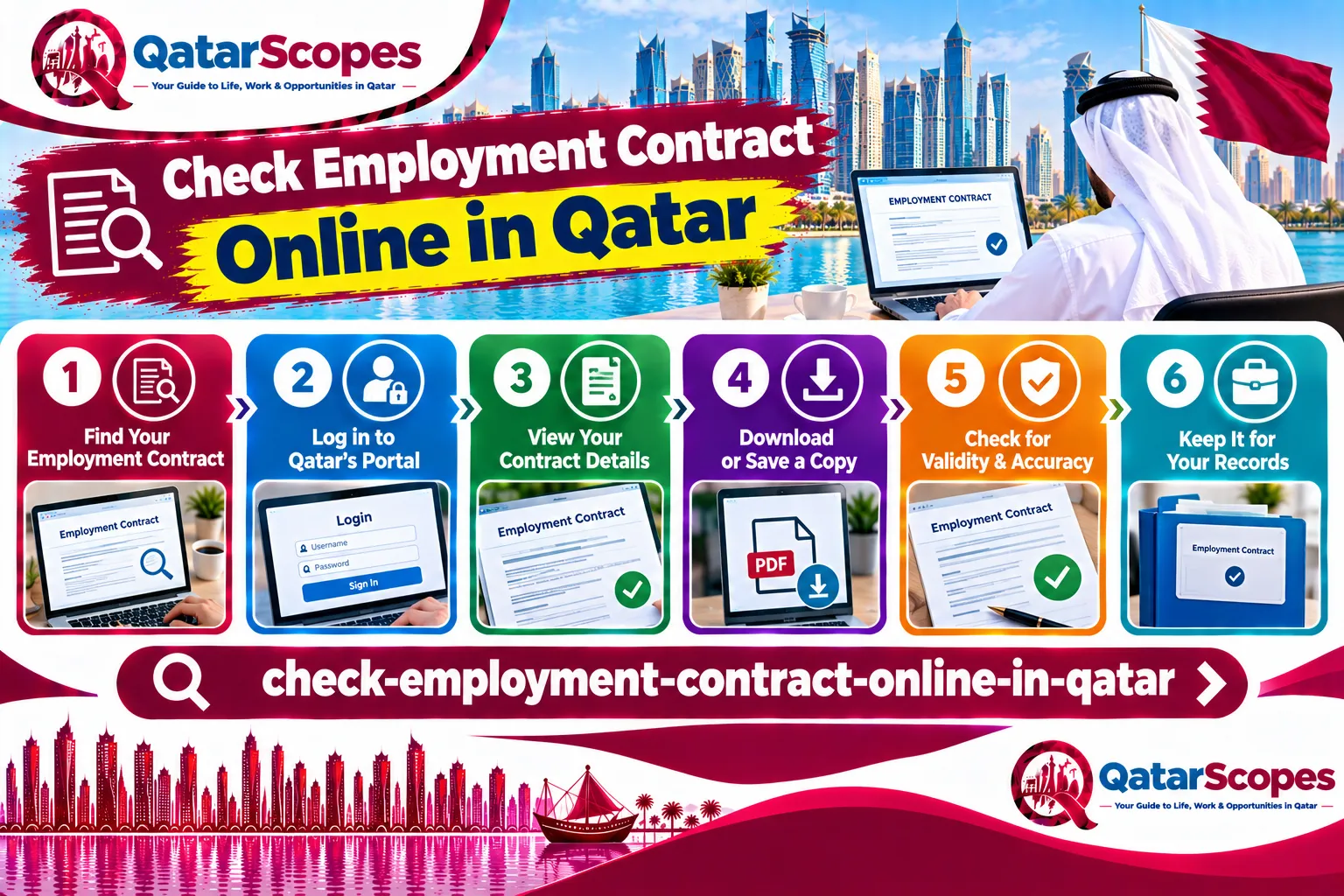
Many workers in Qatar never see the contract their employer registered with the government. Checking it takes a few minutes and can reveal a difference between what you were promised and what was filed. This guide follows Hukoomi's page for the Ministry of Labour service, which we read in September 2026.
What the service is
Hukoomi describes the Portal for Printing Employment Contracts as a Ministry of Labour service that lets employees residing in Qatar who are subject to the country's Labor Law request an e-copy of their employment contract. The page describes the request as going to the Labour Relations Department. Hukoomi shows the service as free of charge.
How to log in
Hukoomi's steps are simple:
1. Enter your QID card number or your visa number, plus your mobile number.
2. Enter the code sent to your mobile.
3. Click Login.
Because the code goes to your mobile, the number you enter needs to be one you can receive messages on. If your registered mobile number has changed, the code may not reach you. We did not find guidance on that case, so call the hotline below.
Who it is for
Hukoomi says the service is for employees residing in Qatar who are subject to the Labor Law. We did not find a statement on whether other categories of worker can use it, for example those covered by different rules, so if the portal does not work for you, ask the Ministry of Labour directly.
Why check your contract
This is our own practical advice, not part of the Hukoomi page.
- Compare the job title, basic salary, allowances, and contract length with your offer letter. A difference is easier to fix early.
- Check the basic wage against the legal floor. Our guide to the Qatar minimum wage explains it.
- Keep a saved copy. It helps if you later need to file a complaint, and our guide to filing a labor complaint lists what to prepare.
- Check the job title against your work permit. If it does not match your real role, see our guide to changing the profession on your work permit.
How contracts get authenticated
A Hukoomi news item from 11 May 2022, reporting a Gulf Times story, says the Ministry of Labour upgraded its employment contract authentication e-service so that contracts are checked automatically within minutes after an authentication request is completed. It says the automated audit covers all work contracts except those for specialized professions that require professional certificates to be audited, and that the check follows the criteria in the Labor Law and ministerial decisions. That describes the employer side of authentication, which is different from your right to view the result.
If the portal shows nothing, or something wrong
- If no contract appears, it may not have been authenticated yet. Ask your employer or HR when it was submitted. If you are new and your work permit is still pending, see our guide to a delayed work permit.
- If the contract shows a lower salary or a different job than you agreed, raise it in writing with your employer and keep both documents.
- If your employer will not fix it, use the complaint process in our labor complaint guide, or call the Ministry of Labour hotline listed by Hukoomi: 16505 or 44068979.
Common mistakes
- Never checking the contract until a dispute starts.
- Entering a mobile number that cannot receive the verification code.
- Assuming the contract you signed is the same as the one authenticated by the ministry, without comparing them.
- Not saving a copy of the e-contract.
What we could not verify
- How long after signing a contract normally becomes visible on the portal.
- Whether the portal shows the contract in languages other than English and Arabic.
- What happens if your registered mobile number is out of date.
- Whether every category of worker can use the service.
Before you sign, also see our guides to recruitment fees, non-compete clauses, and what your employer can change about your job duties.
Frequently asked questions
How do I check my labour contract online in Qatar?
Use the Ministry of Labour's Portal for Printing Employment Contracts: enter your QID or visa number and mobile number, enter the code sent to your phone, and log in.
Is there a fee to get my employment contract e-copy?
No. Hukoomi lists the service as free of charge.
Who can use the employment contract portal?
Hukoomi says employees residing in Qatar who are subject to the country's Labor Law.
What if my contract does not appear on the portal?
It may not have been authenticated yet. Ask your employer or HR, and call the Ministry of Labour hotline on 16505 or 44068979 if it stays missing.
What should I do if my contract shows a lower salary than promised?
Raise it in writing with your employer, keep both documents, and file a labor complaint if it is not fixed.
Sources & references

Agha Ali Abbas
Founder & Editor
More on Jobs
Explore everything you need to know about qatar jobs.
Related articles
How to Find a Job in Qatar: A Realistic Guide
Where roles actually get filled, what slows down the visa process, and how to avoid the mistakes that stall an offer.

In-Demand Jobs in Qatar: Sectors That Generally Hire Expats
The sectors that generally employ the most expats in Qatar, from healthcare and finance to tech and construction, with a note on how the 2026 gas disruption may affect energy hiring.
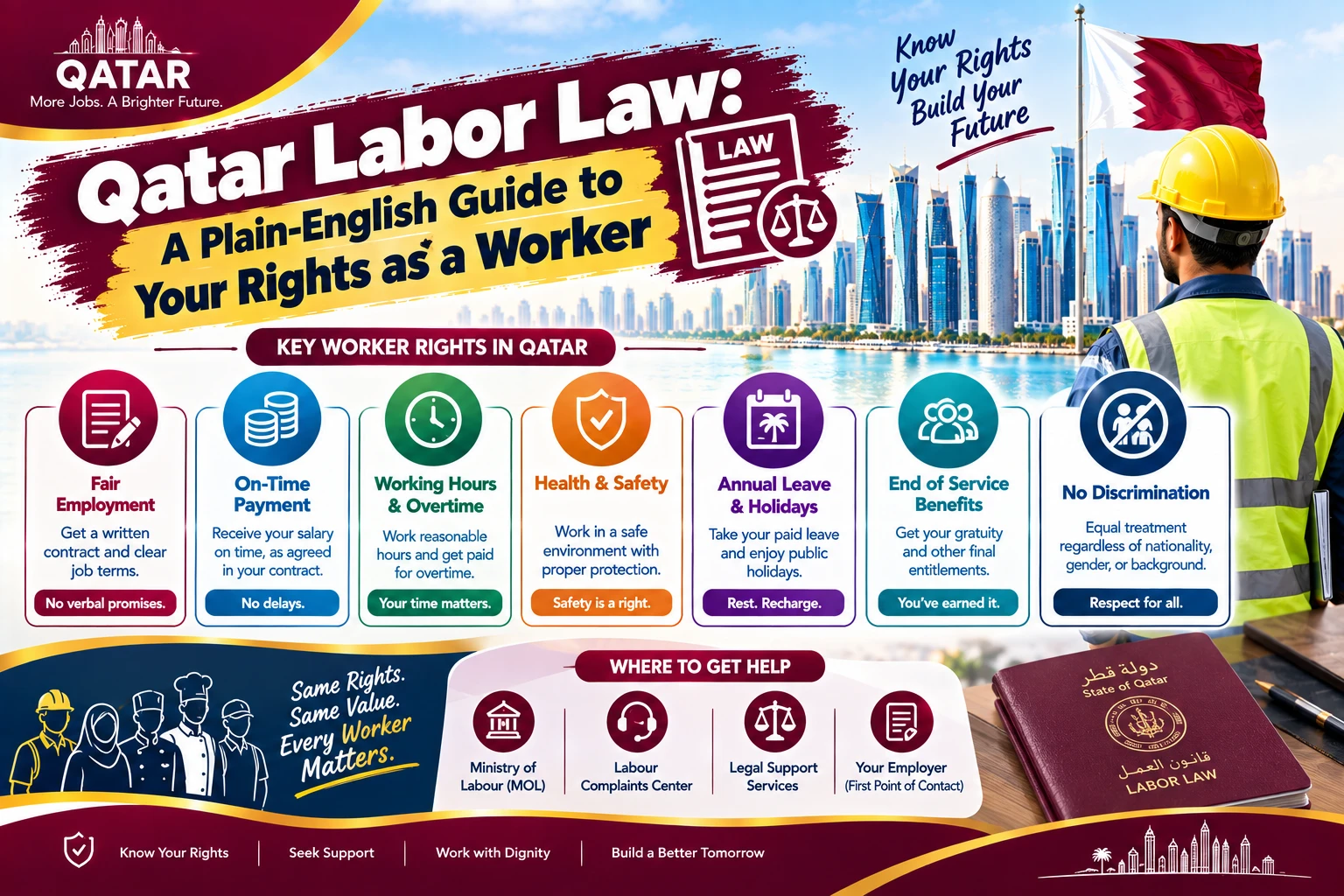
Qatar Labor Law: A Plain-English Guide to Your Rights as a Worker
What Qatar's labor law actually guarantees on hours, leave, overtime, and probation, explained without the legal jargon, plus where to go if your employer isn't following it.