
Hukoomi Registration Problem? How to Fix Your Tawtheeq Account
Cannot register or sign in to Hukoomi? It is usually a Tawtheeq account problem. Here is how to find yours, what the self-service page offers, and when to call 109.
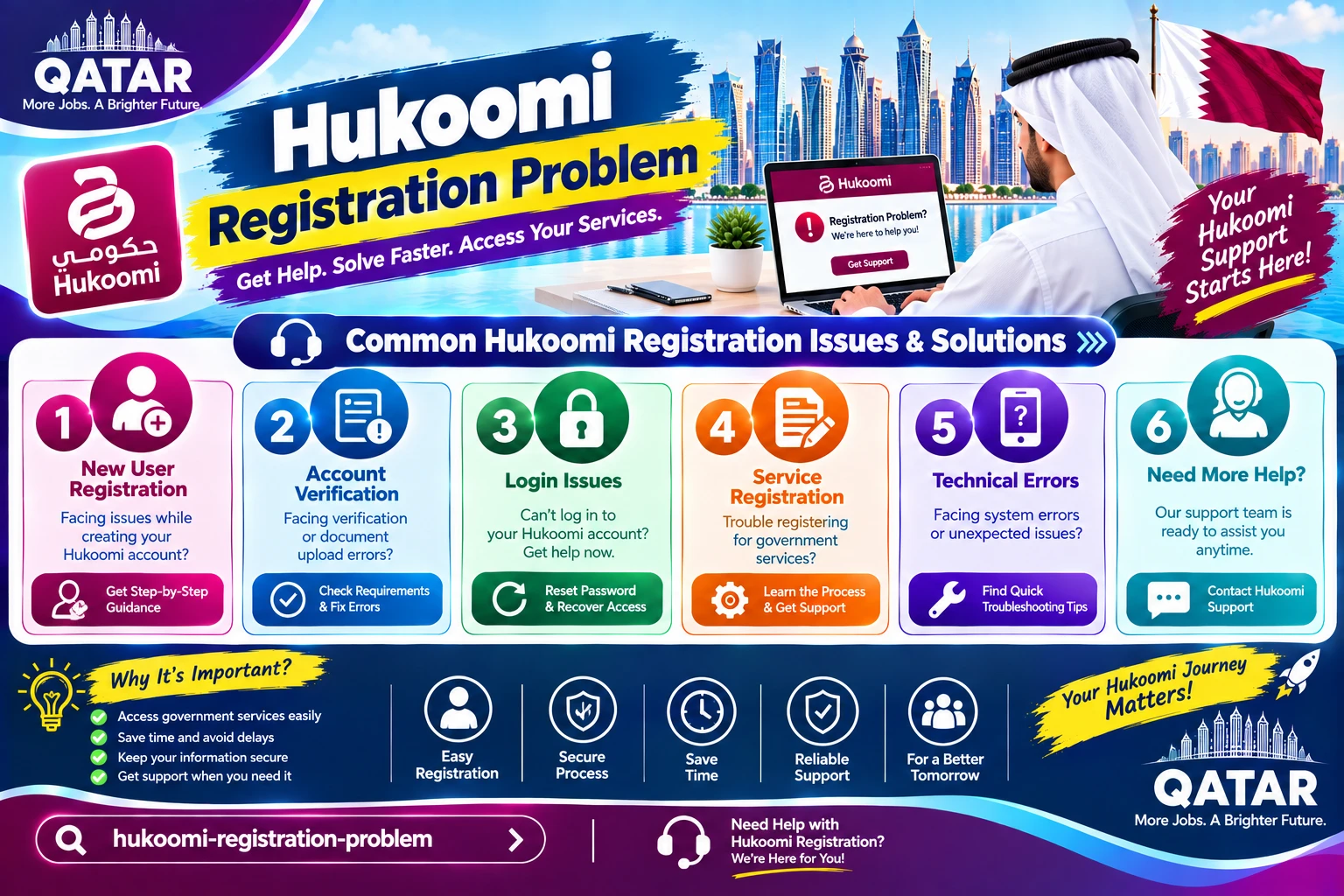
If you cannot register for Hukoomi, the portal itself is rarely the problem. Hukoomi does not keep its own separate login. This guide helps you work out which Tawtheeq problem you have, shows the official options that exist, and explains when to call 109. It relies on the official Hukoomi, MCIT, and NAS pages, and it marks the steps we could only confirm through other guides. We reviewed the official pages in September 2026.
Why Hukoomi and Tawtheeq are the same login
Hukoomi's own Tawtheeq page describes the National Authentication System as a national identity provider for all government online services. It provides secure authentication, digital signing, and single sign-on. It lists two levels of sign-in: a username and password, and a smart ID card. So you create one Tawtheeq account, and the same account opens Hukoomi and other participating services.
That is why the registration page you need is the NAS one, not a Hukoomi page. It also explains why the same mobile number problems show up in more than one place.
Find your problem
The official NAS self-service page groups the fixes into four options. Match your situation to one of them.
- I have no account yet: choose Register new user.
- I forgot my password: choose Reset Password.
- My account says it is suspended: choose Unsuspend account.
- My mobile number changed: choose Mobile Number Update.
- I received no code, or the number will not link: see the mobile number sections below.
The NAS page says you click the Login link to reach the self-service area. It lists Register new user for people without an account, and the other three actions for people who cannot access their account.
If you have no account: registering
The steps below come from the Qatar Guides site, which says it last verified them against NAS guidance on August 23, 2026. We could not confirm each step on the official page, so treat them as a guide, and follow any different instruction the NAS page shows.
- Open the NAS self-service page and choose Register.
- Choose your account type, either citizen or resident, or visitor or business representative.
- Enter your Qatar ID and Qatari mobile number, complete the captcha, and continue.
- Enter the one-time code sent to your phone.
- Fill in your personal details in one language, and set your password.
- Wait for the confirmation message that your account is active.
Visitors and people with short temporary residence are covered by a different route. MCIT's Tawtheeq page lists authentication by visitor email for those users. See MCIT's page for the current requirements.
Guides also say that citizens and residents need a Qatar ID and a Qatari mobile number, while visitors use an email address and an international number. Treat that as a guide, and check the account type options on the NAS page itself.
The mobile number problem
This is the most commonly reported cause. Qatar Guides says that if the mobile number is not registered to you, your account may be created but not activated, and that calling 109 is the way to activate it. We could not confirm this on an official page, so consider it reported, not documented.
This is our analysis of what to check. The number you enter should be a Qatari number registered under your own name and Qatar ID, not your employer's or a friend's. A number registered to someone else, or a tourist number, is a likely cause of trouble. Our guide to fixing a SIM that is not working explains registration problems, and our guide to Metrash problems explains why the code goes to the number on file.
No code arrives
This section is our analysis. Check these in order:
- The number is your current one, and it can receive ordinary texts.
- The SIM is active and not barred for a bill.
- On a dual SIM phone, text messages are not going to the other SIM.
- The code has not expired. Ask for a new one and use it quickly.
- The number is the one registered to you. If not, fix that first.
Never share a code with anyone who calls or messages you, even if they say they are from a ministry.
Suspended account and forgotten password
The NAS self-service page lists Unsuspend account and Reset Password as official options. Qatar Guides reports that both use your Qatar ID and mobile number, a captcha, and a code sent by text. If you cannot receive that code, the fix is the mobile number, not the account.
Changed or lost mobile number
The NAS page lists Mobile Number Update. Qatar Guides reports that you must sign in first, then choose Mobile Number in the menu and enter the new number. If you no longer have your old number and cannot sign in, the same guide says to call 109 and that your identity must be verified. We could not confirm this on an official page, so ask 109 what proof they need.
Expired Qatar ID or a new residence permit
We found no official statement about how an expired Qatar ID affects Tawtheeq registration. Our analysis is that an identity problem should be fixed first. See our guides to an expired Qatar ID and Qatar ID renewal and replacement.
The Tawtheeq app
Qatar Guides describes a Tawtheeq mobile app that lets you approve a login or generate a code. It says the website alone is enough for most tasks. Treat the app as optional, and download it only from the official app stores.
Hukoomi versus Metrash
They are different services. Hukoomi is the government portal, and Metrash is the Ministry of Interior's app. They can share the same Tawtheeq login, but a Metrash problem is not a Hukoomi problem. See our Metrash guide for the app.
When to call 109
Call 109 when the self-service options do not work, or when you cannot receive a code. Hukoomi's Tawtheeq page describes 109 as the official, unified hotline for government e-services, available 24/7. Hukoomi's Support page lists +974 4406 9999 as the number to use from abroad. For questions about the Tawtheeq system itself, Hukoomi's Tawtheeq page lists the Ministry of Communications and Information Technology on +974 4406 9996 or [email protected].
Have ready your Qatar ID number, the mobile number you are trying to use, the exact error message, and what you have already tried. If your problem is a delayed request, not a login, see our guide to tracking and escalating a Hukoomi request.
Real problems people run into
- The account was created but nothing works. It may be inactive because of the mobile number. Check whose name the number is registered under, and call 109.
- I use a company SIM. Get a personal number in your own name, then update the number in NAS.
- I am outside Qatar. Guides describe an international route with an email and an international number for visitors and users abroad. Check MCIT's page for the current rules.
- I keep getting locked out. Use Reset Password or Unsuspend account, and do not keep guessing, since repeated attempts may suspend the account again.
What we could not verify
- The individual registration steps, the account activation behavior, and the mobile update steps, which come from a guide reviewed on August 23, 2026, not the official page.
- How an expired Qatar ID affects registration.
- Any official time for activation.
- That 109 can activate an account for every case. Ask what they need.
Frequently asked questions
Why can I not register for Hukoomi?
Hukoomi signs users in through Tawtheeq, the National Authentication System, so most registration problems are Tawtheeq account problems. The usual causes reported are a mobile number not registered in your name, a code that does not arrive, or a suspended account.
Is Hukoomi the same as Tawtheeq?
No. Hukoomi is the government portal, and Tawtheeq is the national login system it uses. One Tawtheeq account opens Hukoomi and other participating services.
What can I do on the NAS self-service page?
The official page lists Register new user, Reset Password, Mobile Number Update, and Unsuspend account. You reach the self-service area through the Login link.
My Tawtheeq account was created but does not work. Why?
One guide reports that an account can be created but not activated if the mobile number is not registered to you, and that 109 can activate it. We could not confirm this on an official page, so ask 109 what applies to your case.
Can visitors get a Tawtheeq account?
MCIT's Tawtheeq page lists authentication by visitor email for visitors and people with short temporary residence. Check the page for current requirements.
Who do I call for a Hukoomi or Tawtheeq problem?
Call 109 inside Qatar. It is described as the official, unified hotline for government e-services, available 24/7. From abroad, the Hukoomi Support page lists +974 4406 9999.
Sources & references

Agha Ali Abbas
Founder & Editor
More on Guides
Explore everything you need to know about qatar guides.
Related articles
Your First Week in Qatar: The Complete Checklist
Exactly what to do in your first seven days in Qatar, from your Qatar ID and SIM card to the real problems new arrivals run into and how to fix them.
Qatar ID (QID): Renewal, Replacement, and Everything Else to Know
When to renew your Qatar ID, what it costs to replace a lost one, and what actually happens if you let it expire.

How to Get a Driving License in Qatar: New or Exchanged
Whether your home country license qualifies for a direct exchange or you need to sit a Qatari driving test, here's the actual process, documents, and cost.