
Metrash Not Working in Qatar? Common Problems and Fixes
Metrash login failing, OTP not arriving, or the old Metrash2 app dead? Here is what changed, what causes the common errors, and how to fix each one.
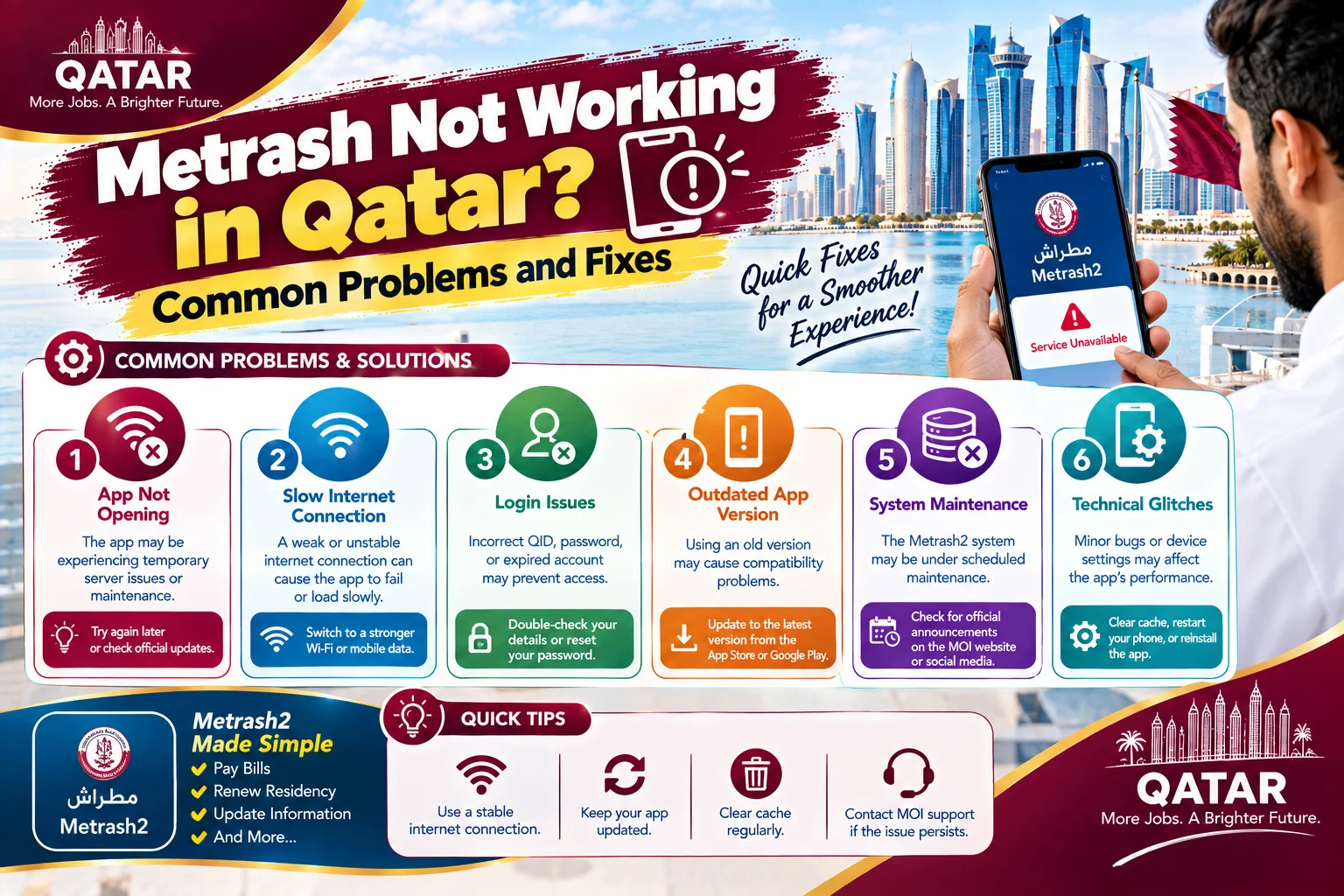
If Metrash is not working, the most likely causes are that you are still using the old Metrash2 app, that the mobile number in the system is not the number in your phone, or that the app cannot verify you. The Ministry of Interior switched off the old Metrash2 app on 1 March 2025 and replaced it with a new app called Metrash. If you never moved over, or you moved over with the wrong number, you will hit errors that look like the app is broken when it is not.
This guide covers the problems people actually run into: login and registration failures, OTP codes that never arrive, payment errors, services that will not load, and wrong or missing information. It also covers how to reach support and when to skip the app entirely and use the website or a service center.
Quick answer: try these first
- Make sure you are using the current Metrash app, not the old Metrash2 app.
- Update the app and your phone software, then close the app completely and reopen it.
- Check your mobile signal and that your Qatar SIM can receive text messages.
- Confirm the mobile number linked to your QID is the number in your phone.
- Try again on the MOI website. If the website works and the app does not, the problem is the app or your phone.
The Metrash2 shutdown and the new Metrash app
The Ministry of Interior launched the new Metrash app in December 2024, announced on 16 February 2025 that the old Metrash2 app would stop, and switched Metrash2 off on 1 March 2025. The new app covers the same kinds of services, including residency and QID matters, traffic services, and visa applications, with a redesigned interface and new payment options.
If you still have Metrash2 installed, uninstall it and install the new Metrash from the App Store or Google Play. You will need to register again, using the Qatari mobile number linked to your QID. Check the store listing for the minimum supported phone software version, because older handsets may not be able to install it. If your phone is too old, use the MOI website instead.
Registration and login problems
Registration ties the app to your identity, so it is strict. You typically need your QID number, the mobile number registered against it, and the ability to receive a one-time code. A few points cause most failures.
- The QID number is entered incorrectly, or the card has expired. Recheck the number and confirm the expiry date. An expired QID can block access to some services. See our guide on what to do when your Qatar ID has expired.
- The mobile number does not match the one in the MOI database. The app sends the code to the number on file, not the number you type.
- You are using a number registered in someone else's name. The number needs to be registered in your own name with Ooredoo or Vodafone. A line registered to your employer will fail at the OTP step.
- You are on a very old app or phone version. Update both.
Metrash and many government services also use the National Authentication System, known as Tawtheeq. Logging in there generally uses your QID and the registered mobile number, followed by a code sent by SMS. If Tawtheeq works on the website but the app does not, the account is fine and the app needs updating or reinstalling. If the Tawtheeq account itself is the problem, see our guide to fixing a Hukoomi or Tawtheeq registration problem.
OTP not arriving
This is the single most common Metrash complaint, and it is almost never the app. Codes are valid for a short time, so a late code is useless, and the following causes account for nearly all cases.
- The number on file is not your current number. This is common if you changed SIM or provider.
- The number is registered to your employer or another person.
- Your SIM has a fault or is barred. See our guide on fixing a Qatar SIM that is not working.
- On a dual SIM phone, SMS defaults to the other line.
- Poor signal, a full inbox, or a blocked sender list.
Test by asking someone to text you. If a normal text arrives, the SIM works, and the problem is the number registered with the MOI. To fix that, update the mobile number linked to your QID. The MOI website has an inquiry option for Metrash where you can enter your QID and a new number, and you can also visit an MOI service center or a self-service kiosk.
Payment failures and services that will not load
If a service will not load, wait a minute and try again. Government systems can slow down at the end of the month and near deadlines. For payment failures, check that your card supports online payments and that you have not hit a card limit, then check whether your bank sent a separate approval request to your banking app. If the payment went through but the app shows nothing, do not pay twice. Wait, refresh, check your transaction history, and keep the receipt.
Sometimes the app shows an error because your account has an unresolved issue, for example an expired ID or an unpaid fine that blocks a service. If several unrelated services fail, look at the status of your residency and any pending fines first. Our guide to checking and paying traffic fines explains how to review those.
When information looks wrong or missing
The app shows what the ministry's systems hold. If a fine, a vehicle, or a family member is missing or wrong, the app is usually accurate about the data and the data is what needs fixing. For a fine that looks wrong, see our guide on disputing a traffic fine. For residency details, ask your sponsor or visit an MOI service center with your passport and QID.
When to use the website or a service center instead
The app is convenient, but it is not the only route. Use the MOI website when your phone is old, the app keeps crashing, or you need to upload documents on a larger screen. Use a service center when you need to update your registered mobile number, when electronic renewal is rejected, when you need a stamped document, or when the problem is your identity record rather than the app.
Real problems people run into
- I need to update my address or get a certificate. See our guide to a national address that is not updated.
- I cannot log in and the app keeps saying my details are wrong. Check the QID digits and the registered number, then try Tawtheeq on the website to confirm the account works.
- I changed my SIM and now the code goes nowhere. Update the mobile number on file, since the old number is still linked.
- I use my employer's company number. Get a personal number in your own name, then update it in the MOI record.
- The app is stuck on loading. Update, reinstall, and try on Wi-Fi and mobile data in turn. Then try the website.
- My payment failed but my bank shows a charge. Wait for the reversal or a confirmation, keep the receipt, and contact your bank if it is not resolved in a few working days.
Metrash on a new phone or after a reset
Changing phones is a common trigger for sudden Metrash problems. The app is tied to your registration, so install the current Metrash app on the new phone, sign in with your QID, and complete the verification with the number registered to you. Keep the old SIM active until the new setup works, because the verification code may go to it. If you switched to an eSIM, confirm that it is active and that the number matches the one on file. If you reset your phone and now cannot get past verification, the fix is almost always the same: confirm the registered mobile number, and update it if it has changed.
Keep your codes and your account safe
Government apps are a target for scams, so a few habits matter. Never share a one-time code with anyone, including someone who says they are from a ministry, a bank, or a delivery company. A genuine agency does not need your code in order to help you. Be careful with text messages that claim you have an unpaid fine or a blocked account and include a link. Open the Metrash app directly and check your account there instead of tapping the link. Download the app only from the official App Store or Google Play listing, and if you are unsure whether a message is real, call the Government Contact Center on 109.
A five minute checklist before you call support
Support can help faster when you arrive prepared. Before you call, note these five things: your QID number, the mobile number you believe is registered, the exact wording of the error message, the time and date it happened, and the steps you have already tried. Confirm that your SIM can receive an ordinary text, that the app and phone are updated, and that the website works or does not work with the same details. If you can describe all of that in two minutes, the agent can usually tell whether the fix is a number update, an app reinstall, or an issue with your residency record.
Support numbers and what to say
The MOI's Metrash helpline is listed as 234 2000, and the Government Contact Center is on 109. Have your QID number and the registered mobile number ready. State the exact error message, what you were trying to do, and what you have already tried. If you can, take a screenshot of the error before you call.
If Metrash is failing because your residency has lapsed or you are dealing with a deadline, check the related guides on renewing an expired residence permit and your Qatar ID.
Frequently asked questions
Why is Metrash not working?
Common causes are still using the discontinued Metrash2 app, a mobile number that does not match the one linked to your QID, an outdated app or phone, or an expired ID. Update or reinstall the current Metrash app and confirm your registered number.
Is Metrash2 still available?
No. The Ministry of Interior switched off the old Metrash2 app on 1 March 2025 and replaced it with the new Metrash app. Uninstall Metrash2, install Metrash, and register again with your QID and registered mobile number.
Why am I not getting the Metrash OTP?
The code goes to the mobile number linked to your QID in the MOI records, not the number you type. It will fail if the number is old, registered to your employer, or your SIM cannot receive messages.
How do I change my mobile number linked to my QID?
Use the Metrash inquiry option on the MOI website to enter your QID and new number, or visit an MOI service center or self-service kiosk to update it.
Can I use Metrash with a company SIM?
It often fails. The number needs to be registered in your own name, so a line registered to your employer will not reliably receive the verification code.
Who do I call for Metrash support?
The Metrash helpline is listed as 234 2000, and the Government Contact Center is on 109. Have your QID and registered mobile number ready, and note the exact error message.
Sources & references

Agha Ali Abbas
Founder & Editor
More on Guides
Explore everything you need to know about qatar guides.
Related articles
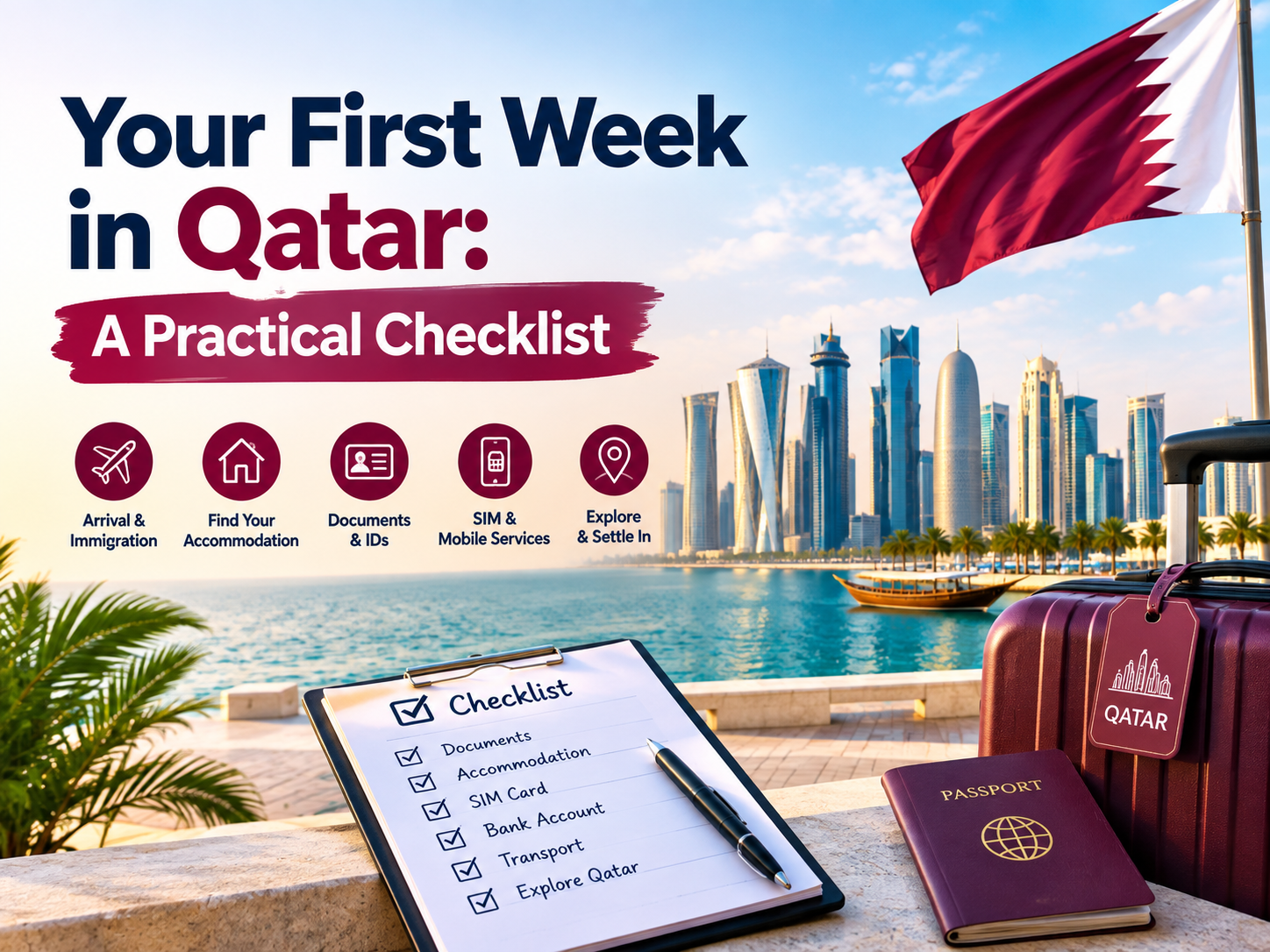
Your First Week in Qatar: The Complete Checklist
Exactly what to do in your first seven days in Qatar, from your Qatar ID and SIM card to the real problems new arrivals run into and how to fix them.
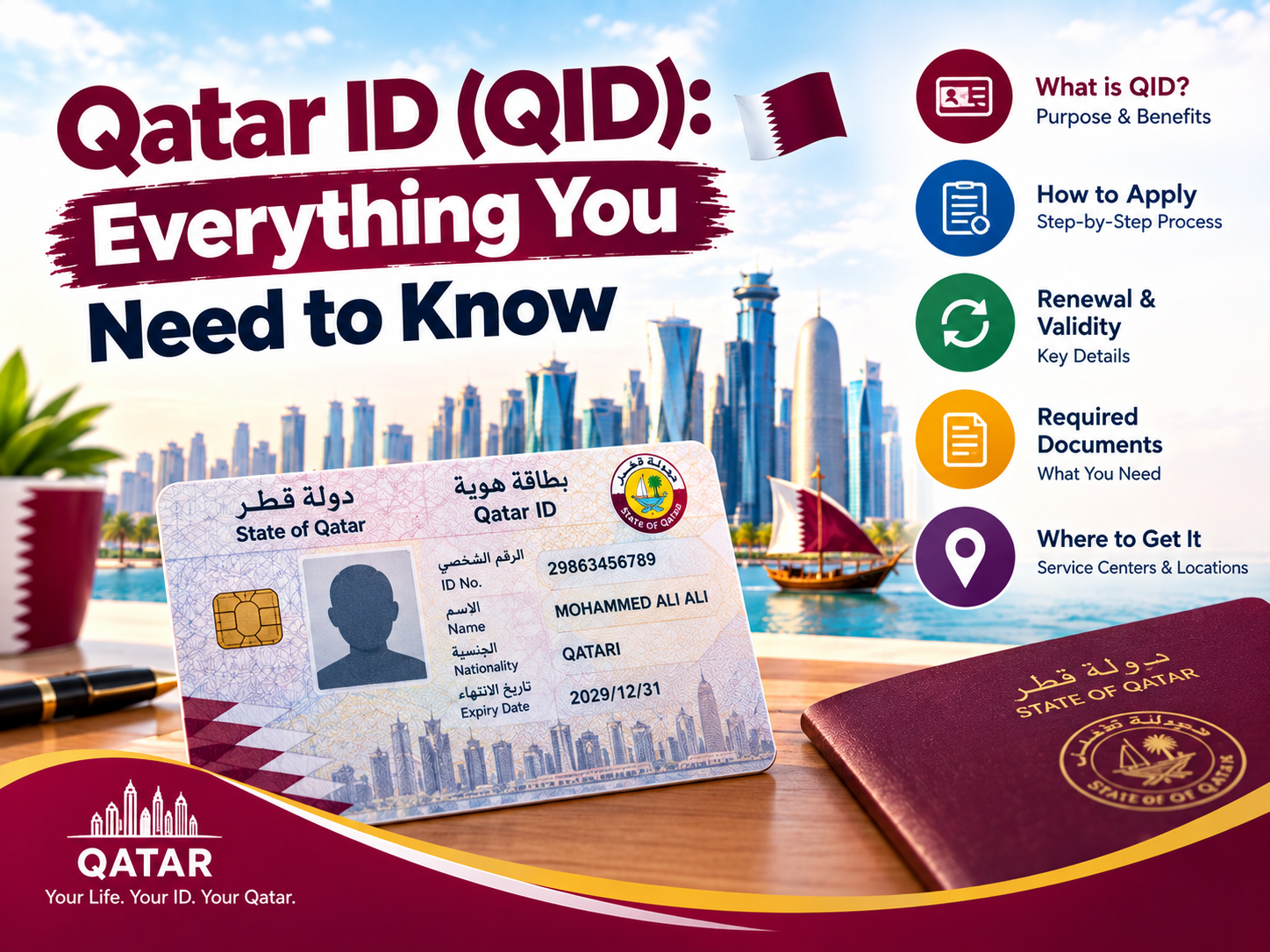
Qatar ID (QID): Renewal, Replacement, and Everything Else to Know
When to renew your Qatar ID, what it costs to replace a lost one, and what actually happens if you let it expire.
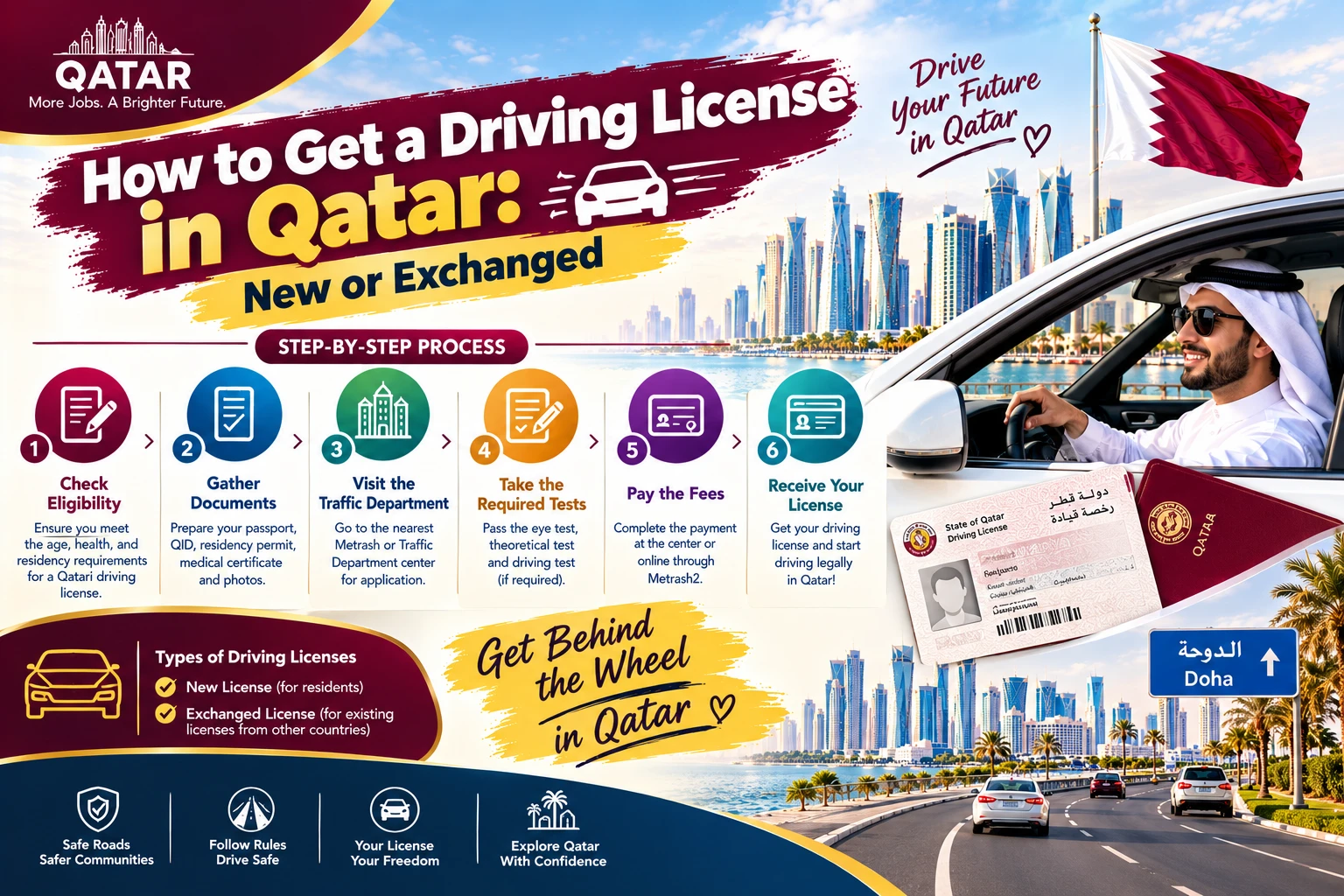
How to Get a Driving License in Qatar: New or Exchanged
Whether your home country license qualifies for a direct exchange or you need to sit a Qatari driving test, here's the actual process, documents, and cost.