
Metrash Says Your Mobile Number Is Not Registered for Your QID: Causes and What to Do
Why Metrash rejects a mobile number, the rule that the SIM must be under your QID, how to change the number on file, what to do if the two activation codes do not arrive, and who to call.
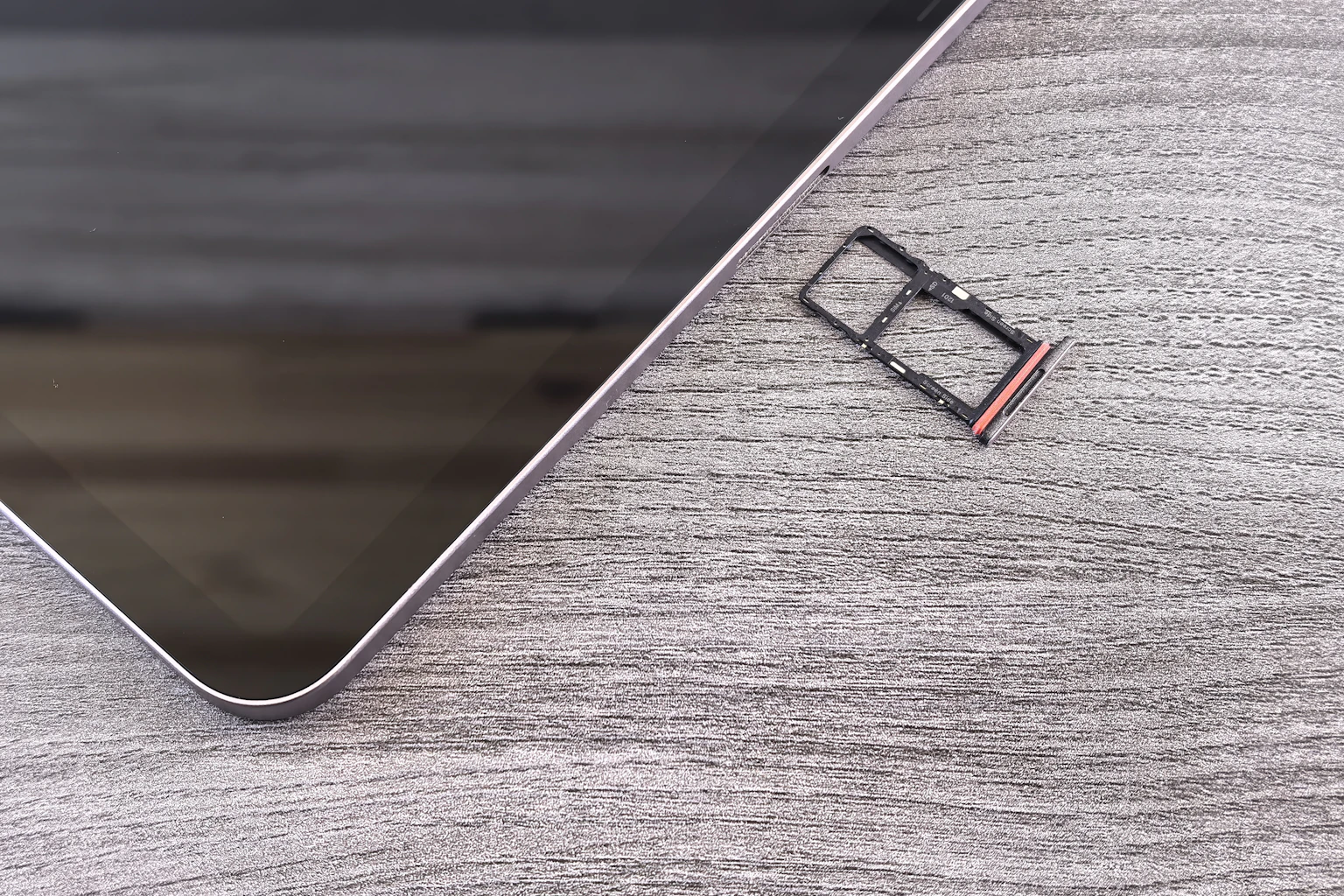
Few errors stop people from using government services as quickly as this one. You change your SIM, buy a new phone or arrive in Qatar, and Metrash will not let you in. The rule behind it is simple, but the official pages that explain it are hard to reach. This guide uses a Property Finder Qatar guide to Metrash (uploaded October 2025) and an older Doha Guides route for changing the number, plus our own guides. We could not open the Ministry of Interior's pages, so check the steps there. It is general information.
What does the error mean?
Metrash registration needs your QID and its expiry date, and a mobile number registered under your QID. The guide says plainly that the SIM must be in your name and that the app only works with numbers linked to your QID. If the number you enter belongs to someone else's QID, or the SIM was never registered, the number is treated as not registered.
The common causes
| Cause | What to do |
|---|---|
| New SIM not yet linked to your QID | Register the SIM under your QID with Ooredoo or Vodafone first |
| SIM is in a family member's or employer's name | Use a SIM in your own name |
| Old number still on your record after a change | Update the number with the Ministry of Interior |
| Wrong number or typo | Check the digits and the country code |
| Expired QID details | Check your QID expiry date, see an expired Qatar ID |
| The app or network is the problem | Update the app and try again, see Metrash not working |
Step by step: fix a number that is not registered
1. **Check the SIM.** Ask Ooredoo or Vodafone, or visit a shop with your QID, to confirm the number is registered under your QID. For SIM options see buying a SIM card in Qatar.
2. **Update the number with the Ministry of Interior.** The guide says an MOI service center can help with mobile number updates, and you can find centers on the map in the app. An older Doha Guides route, written for the previous app, describes going to the MOI website, opening Inquiries, then Metrash for Individuals, then entering your QID and the new number and choosing Change Number. We could not confirm that this web route still exists for the current Metrash, so treat it as unverified.
3. **Register or log in again.** Registration sends two activation SMS codes from the Ministry of Interior, and both must be entered. After verification you create a six digit PIN.
4. **If the codes do not arrive,** try again later, check your signal, and call the helpline.
Forgotten PIN
The Property Finder guide says the FAQ tells you to re-register, which means new activation codes and a new PIN, and that a service center can also help with a PIN change. That again needs a working number under your QID.
Who to call
The Ministry of Interior helpline is 234-2000 within Qatar, written as 2342000, and +974-234-2000 from abroad. The app has Help and Communicate With Us options, and any MOI service center can help in person. Have your QID and registered mobile number ready, note the error message and take a screenshot.
If you are not in Qatar
A foreign SIM will not work, since the number must be registered under your QID. For help from abroad use the international helpline number, and for entry rules see visa free entry, visa on arrival and Hayya.
What you can do with Metrash once it works
Renew a car, check fines, handle your licence and more. See Istimara renewal problems, checking and paying traffic fines, renewing your driving licence and official government apps in Qatar. If you cannot register for Hukoomi either, see Hukoomi registration problems.
What we could not verify
- The Ministry of Interior's own page for changing a mobile number in the current Metrash.
- Whether a number change works before the new SIM is registered under your QID. Ask the helpline.
- How many SIMs a QID may hold, and any way to list the lines registered to your QID. We found no source.
Frequently asked questions
Why does Metrash say my mobile number is not registered?
Metrash only works with a mobile number registered under your own QID. If the SIM is new, in someone else's name or was never linked to your QID, the number is treated as not registered.
How do I change my mobile number in Metrash?
Confirm the new SIM is registered under your QID with Ooredoo or Vodafone, then update the number at an MOI service center or through the MOI helpline on 2342000, and register again.
What if I never receive the Metrash activation codes?
Registration sends two SMS codes from the Ministry of Interior and both must be entered. If they do not arrive, try again later, check that the number is under your QID and call the helpline.
Sources & references

Agha Ali Abbas
Founder & Editor
More on Guides
Explore everything you need to know about qatar guides.
Related articles
Your First Week in Qatar: The Complete Checklist
Exactly what to do in your first seven days in Qatar, from your Qatar ID and SIM card to the real problems new arrivals run into and how to fix them.
Qatar ID (QID): Renewal, Replacement, and Everything Else to Know
When to renew your Qatar ID, what it costs to replace a lost one, and what actually happens if you let it expire.

How to Get a Driving License in Qatar: New or Exchanged
Whether your home country license qualifies for a direct exchange or you need to sit a Qatari driving test, here's the actual process, documents, and cost.